Filters and saved views
Deals, people, organizations, and leads share one condition builder, and a filter built on any of them can be saved as a named view and reused instead of rebuilt each time.
Building a filter
The Filter control on each surface opens the builder. A filter is a set of conditions, each naming a field, an operator, and usually a value.
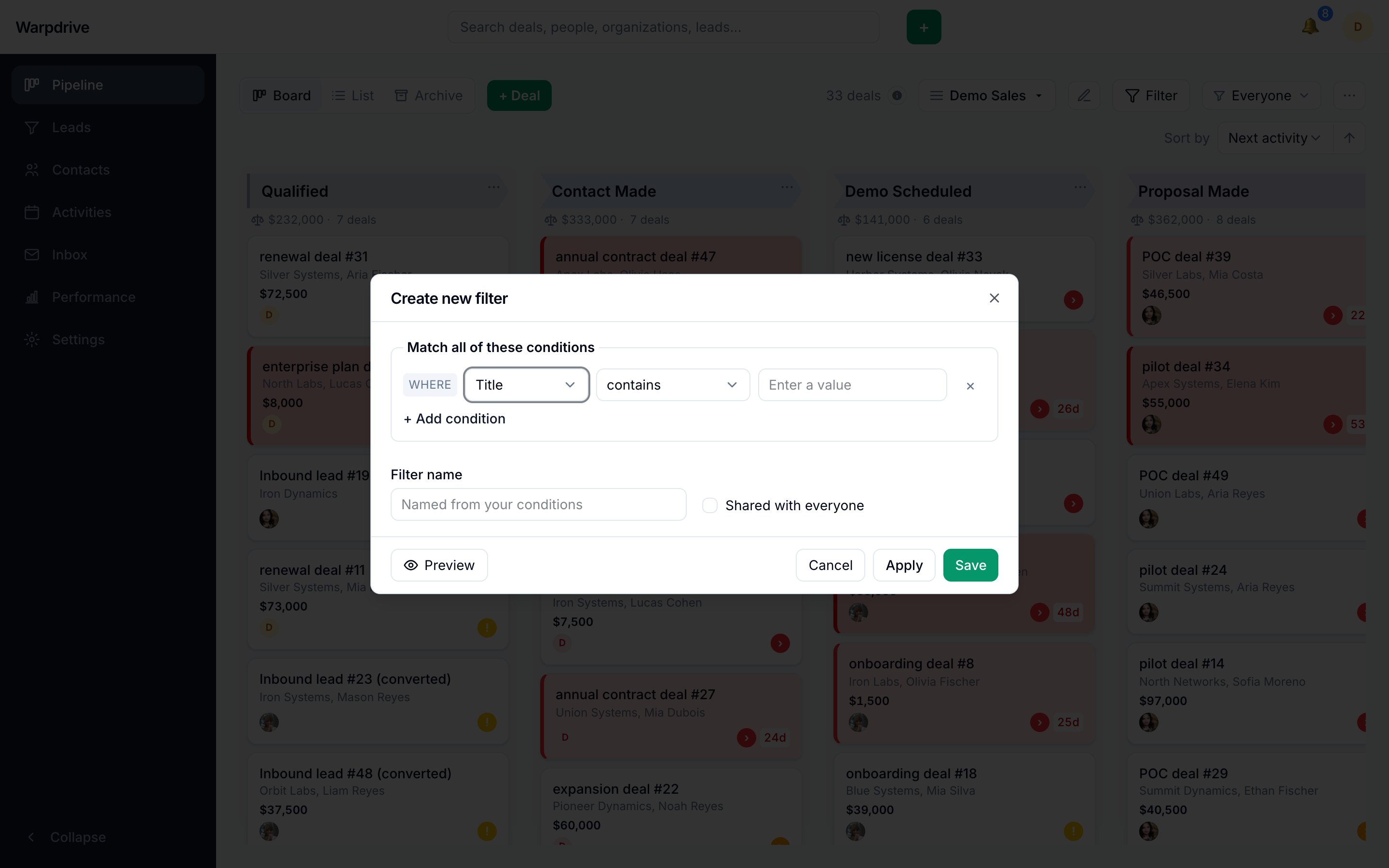
Fields cover the entity's own columns plus labels. Label matching is case-insensitive and a label condition can name several labels at once ("is any of"), so it matches everything the chips display as one label regardless of casing.
Operators include the comparisons plus contains, does not contain,
starts with, is empty, and is not empty. Negative operators read the way you
mean them: "Value is not 5" also returns deals with no value at all, rather than
silently dropping them the way raw SQL comparison would.
Conditions combine as match all or match any.
Saving a filter
Build the conditions you want, then save the filter with a name. Saved filters live on the Filter button itself, alongside a Clear action, and every entity's list has them: a saved people view works the same way as a saved deal view.
Reopening the builder with a saved filter active seeds it with that filter's conditions. If you own the filter, saving updates it in place; otherwise the dialog says plainly that you are saving a copy. A saved filter you own can also be deleted from the same menu.
Sharing
A saved filter is private to its creator unless it is shared. A shared filter is offered to everyone, and the menu distinguishes filters you own from filters shared with you, since only your own can be edited or deleted.
Sharing a filter shares the definition, not the results. Each person still sees only the records they are allowed to see, so the same shared filter legitimately returns different rows for different people.
Filters and totals
When a filter is active, the board's stage totals and the list footer's count and value describe the filtered set rather than the whole pipeline.