Activities
Activities are the scheduled work attached to records: calls, meetings, and tasks.
Views
/activities/list is the table view and /activities/calendar is the calendar.
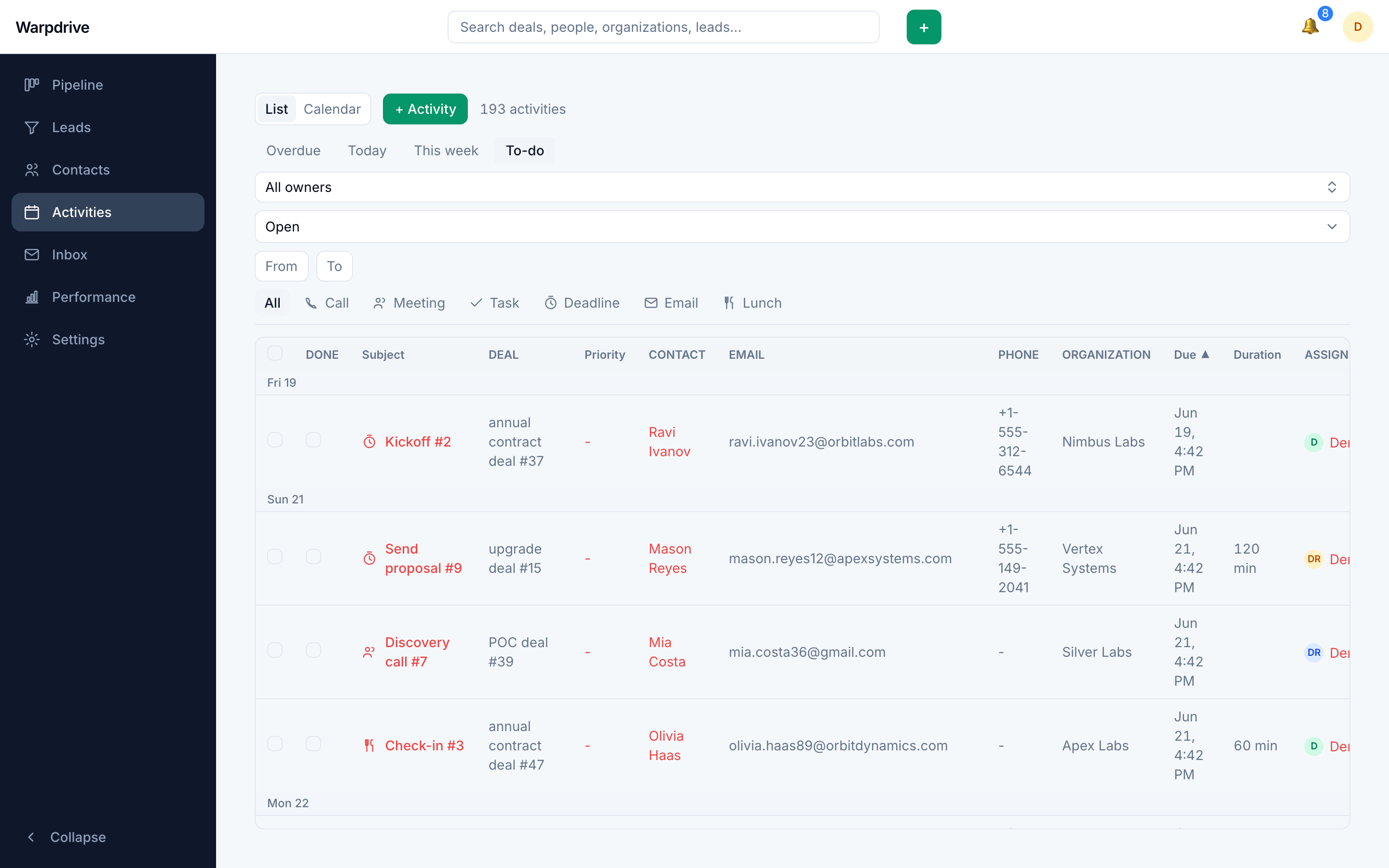
The list is the better view for triage, since it sorts and filters. The calendar is the better view for scheduling, since it shows conflicts.
Clicking a row, or a chip on the calendar, opens the record the activity belongs to
as a slide-over drawer: the deal if it has one, otherwise the person, then the
organization. Only an activity linked to nothing opens its own editor. Each row
carries two distinct controls: a round toggle marks the activity done, and the plain
checkbox selects the row. The list can also be walked with j/k and opened with
Enter, see Keyboard shortcuts.
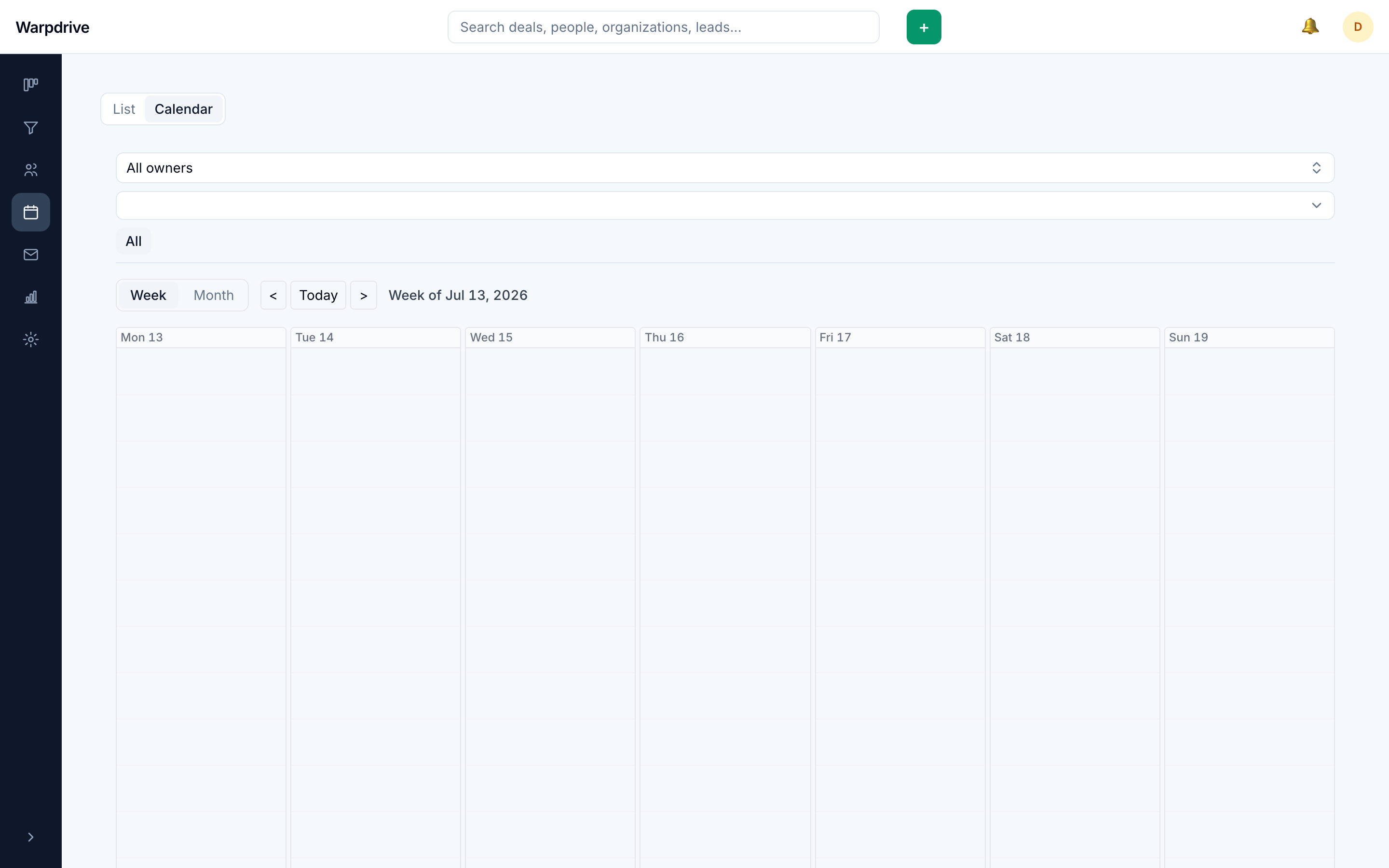
The week calendar has a time gutter, a line at the current minute, and a highlighted today column, and it opens scrolled to the working day. Activities without a time sit in a dedicated all-day lane above the hour grid rather than being drawn at midnight. Overlapping activities render side by side; past two lanes they collapse into a counted "+N more" popover. The week shown is your local week, computed in your timezone rather than the server's.
Scheduling
An activity can be created from the activities views, or directly on a deal, person, or organization, which links it to that record.
An activity has a type, a subject, an optional due date and time, a duration, a priority, and an assignee. Activity types are configurable, see Company settings.
Activities without a due date are valid. They appear as undated rather than being treated as overdue.
The calendar inside the due-date picker shows how loaded each day already is for the
assignee, so a follow-up can be placed on a lighter day. Load is measured against a
personal daily activity target set on /settings/profile, and is informational
only: a full day never blocks a save.
Completion and overdue
Activities are marked done from the list, the calendar, or the record they belong to. An incomplete activity past its due date is styled as overdue. An activity can be deleted from its card's overflow menu on the record.
A deal's next activity is surfaced on its board card, which is what makes the board usable as a work queue rather than only a status display.
Visibility
Activity visibility is evaluated by different rules than the records they are attached to. Restricting a deal does not automatically restrict activities that reference it.
If you rely on restricted access, verify it by signing in as a restricted account and checking the activities views directly.
See Visibility groups.