Users and teams
The first administrator
The account matching SEED_ADMIN_EMAIL becomes the first administrator when it signs
in.
Two details are worth knowing, because they look like faults otherwise:
- Bootstrap stays open until that specific account signs in. Other people who sign in first are created as ordinary users and do not close the election. Nobody is accidentally promoted by being early.
- The election is guarded by a database lock, so simultaneous logins cannot produce two administrators.
The first sign-in also seeds the defaults: the Regular and Admin permission sets, an "Everyone" visibility group, a default pipeline with stages, and the default labels.
Users
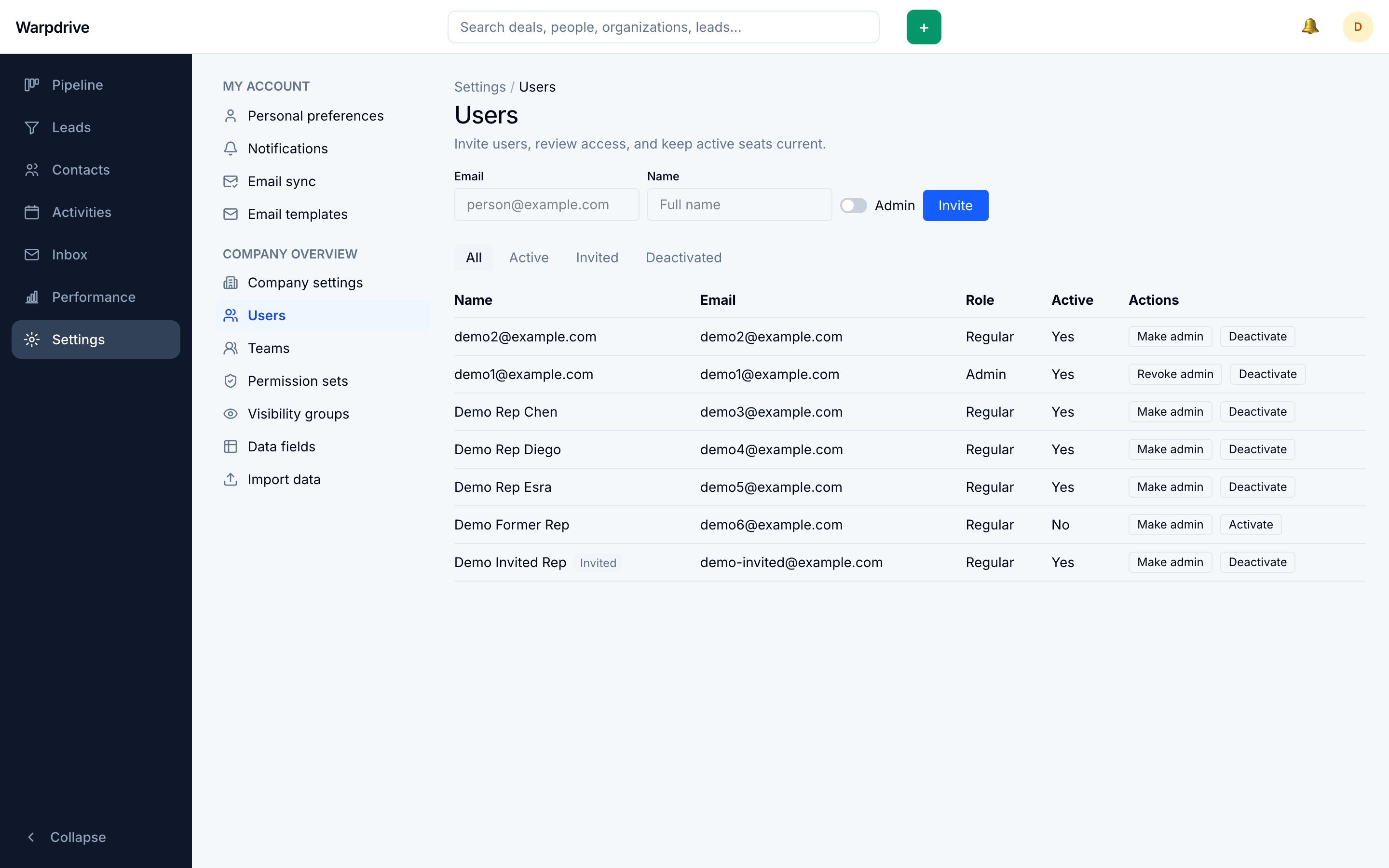
/settings/users lists everyone, filterable by status.
Inviting
Inviting creates a placeholder account with no Google identity attached, assigns a permission set, and puts the user in the Everyone group.
The placeholder is claimed on the invitee's first verified Google sign-in with a matching address. Until then it shows as invited.
Accounts are bound to Google identity, not email
A user is identified by their stable Google account, not their address. Changing someone's email in Google updates their existing Warpdrive profile rather than creating a second user.
The reverse is refused: an address reused by a different Google account is rejected, unless the existing record is an unclaimed invitation. This is what stops a recycled address from inheriting a departed colleague's records.
Deactivating
Deactivating a user revokes all of their sessions in the same transaction, so access ends immediately rather than at session expiry.
Two guards apply:
- You cannot deactivate yourself.
- The last active administrator cannot be deactivated or demoted, which prevents locking the deployment out of its own administration.
Reactivation is administrator-only and does not restore the old sessions.
Teams
/settings/teams groups users and gives them managers.
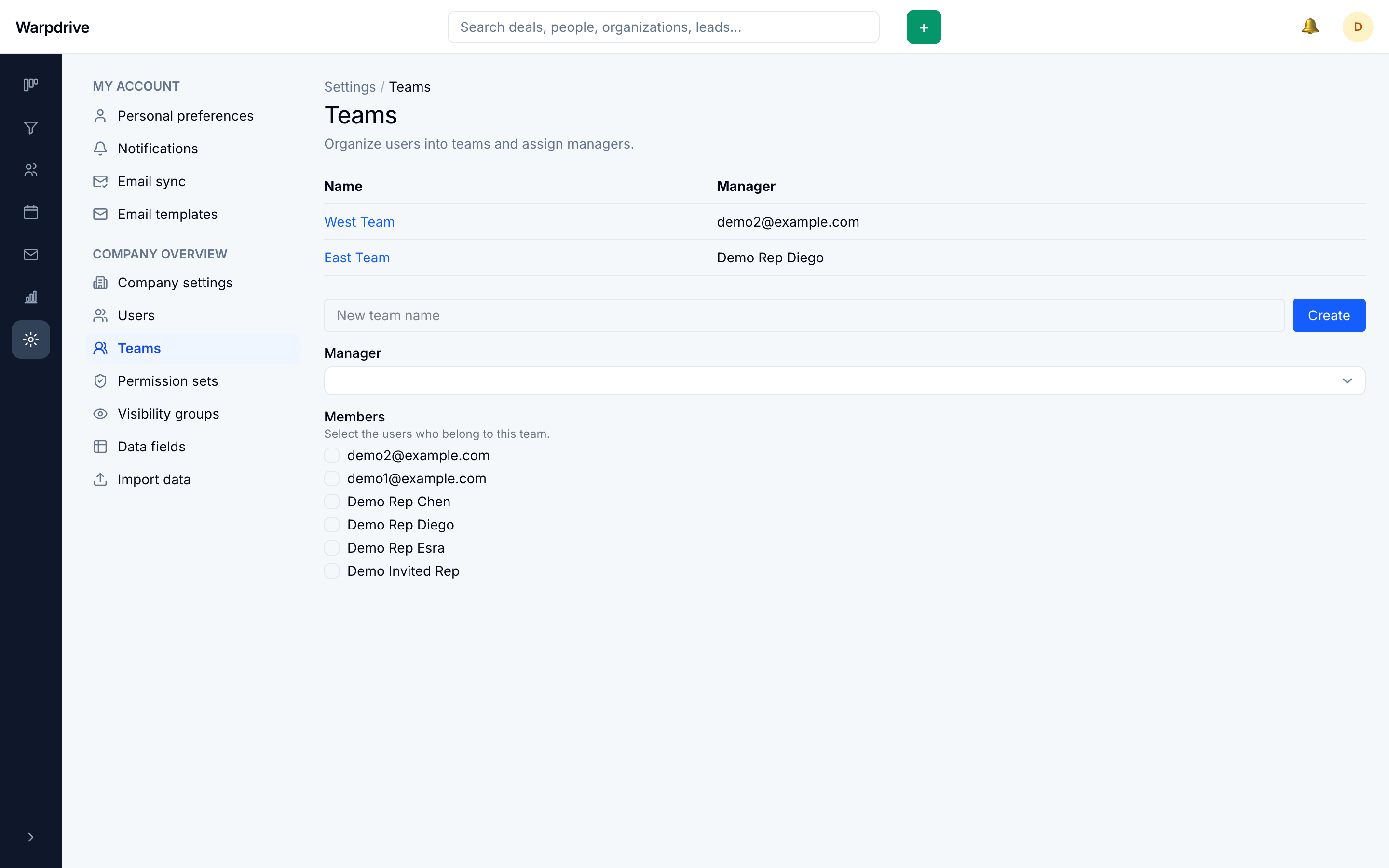
Teams exist to express management, not just grouping: a permission set can grant an action over records owned by members of a team you manage. See Permission sets.
A manager sees their members' records only when their permission set also includes the relevant view permission. Managing a team is not by itself a grant of visibility.
Creating a team and setting its roster are two separate operations, as are saving a team's details and its roster. If the second fails, the first has already applied. A failed save can leave a team created but empty, or renamed with an unchanged roster. Re-open the team and confirm before retrying.
Deleting a team has no confirmation step and removes its roster with it.
Who can administer users
Administrators can do everything below. Holders of permissions.manage who are not
administrators can view the page and invite ordinary users, but cannot:
- promote or demote administrators,
- deactivate or reactivate anyone,
- invite an administrator,
- assign their own permission set, or
- assign a set containing high-risk permissions.
The interface still renders those controls for a non-administrator holding
permissions.manage. The restriction is enforced when the action is submitted, so
some visible controls will report a permission error rather than being hidden.